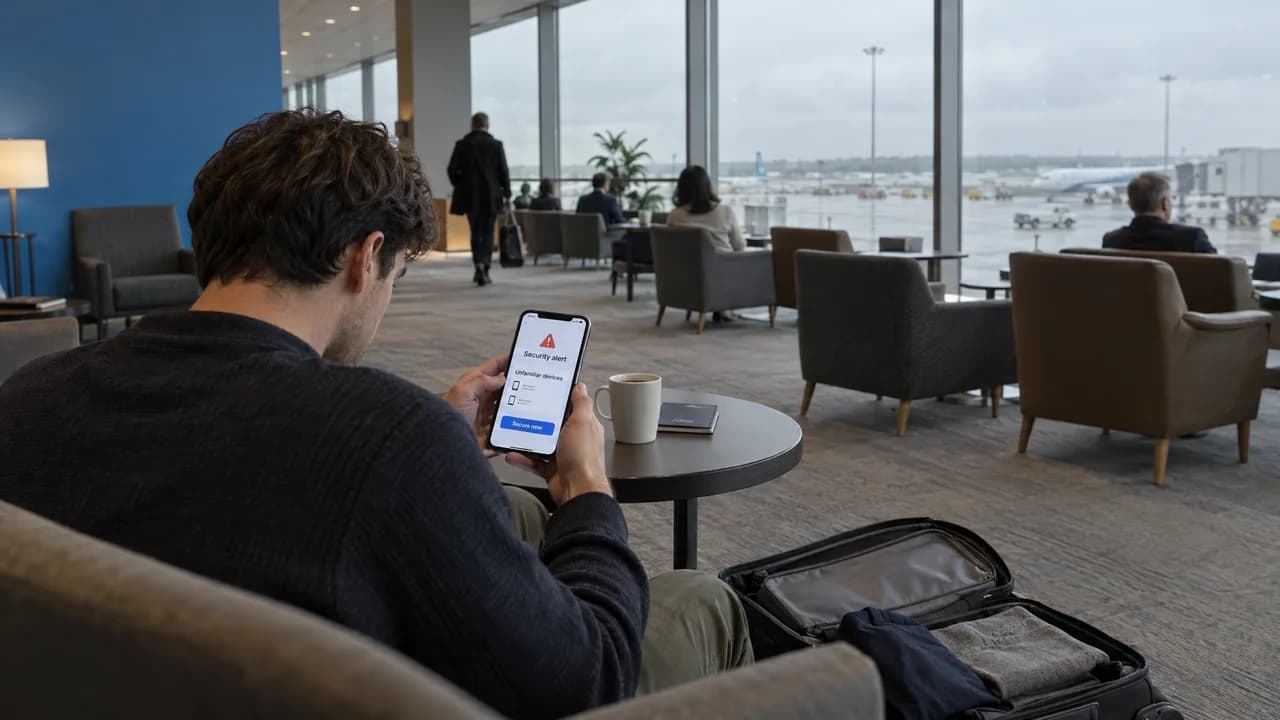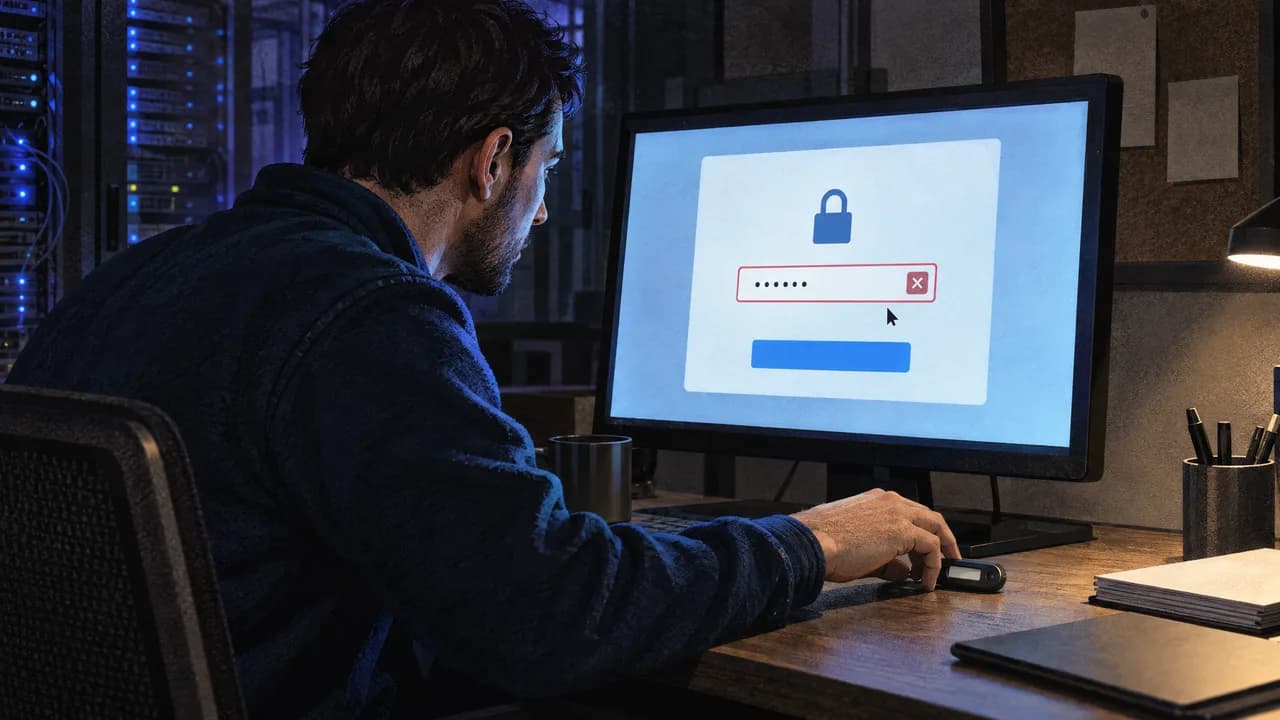
Locked Out? What to Do When My Email Has Been Hacked and Password Changed
Decide whether a self-run recovery covers your exposure or whether the account touched people, money and records that need watching after you are back in. Then act in the order that limits what the attacker keeps.
By the Area 52 team
7 min read

When your email has been hacked and the password changed, start your provider's official account recovery from a clean device, prove ownership with the recovery phone or backup address the attacker has not yet replaced, then reset every account that trusts that inbox. A changed password marks the moment an intruder stops reading your mail and starts operating as you. From that point, the damage that matters sits outside the inbox: in the people, payments and records that still believe a message from your address came from you.
What a Changed Password Tells You About the Takeover
An email account takeover with a changed password is a compromise in which the attacker has replaced your credential to hold the account exclusively, which turns a privacy breach into an identity breach. That separates it from the quieter cases people usually mean when they ask how they would know their email has been hacked: a password sitting in a breach dump, a stranger silently reading mail, or spoofed messages that forge your address without touching your account. In those cases you still hold the keys. Here you do not, and the attacker chose to announce themselves, which tells you they value control more than stealth. The stakes are higher for an executive, whose inbox is a credential for everything else they run.
How One Inbox Becomes the Attacker's Identity
The password change is rarely the first move. By the time you see the lockout, the attacker has usually already been inside long enough to read your recent threads, learn who you pay and who pays you, and decide what your address is worth. Changing the password is the step that buys them uninterrupted time.
The moves that follow are the ones that outlast your recovery. An attacker who wants to stay will swap your recovery phone and backup address for their own, add their own second factor, and create a forwarding rule or filter that copies or hides incoming mail. Each of those survives a password reset unless someone removes it by hand.
Then the inbox becomes a reset machine. Banks, cloud storage, payroll portals and social accounts send "forgot password" links to that address, so whoever holds it can walk into each one. Our attacker lockout guide covers the order for retaking the account itself. What it cannot cover is the second half: the outbound messages already sent in your name, and the personal details that now sit in someone else's hands.
That second half is where executives get hurt. A forged invoice to your finance team, a request to your assistant, a message to your board: none of them needs your password once the attacker has your thread history and your writing style.
Recovering the Account and Containing the Fallout
- Switch to a device you trust that was not used to log in recently, because a phone or laptop carrying malware will hand the new password straight back.
- Go to your provider's official recovery page by typing the address yourself, never through a link in an email or text that claims to help.
- Answer recovery prompts with the details the attacker is least likely to have changed, such as an old password, a long-standing recovery number, or a location you normally sign in from.
- Sign out every active session the moment you are back in, then remove any forwarding rule, filter, app password, connected app or recovery detail you did not create.
- Turn on multi factor authentication with an authenticator app or hardware key rather than text messages where your provider allows it.
- Reset the password on every account that sends its resets to this inbox, starting with money, cloud storage and anything that holds company data.
- Warn your contacts through a different channel that messages from your address during the takeover window were not yours.
- Watch for what was taken: credential reuse, impersonation attempts, and personal details surfacing for sale or on people-search sites.
Mistakes That Belong to an Older Threat
Treating the password reset as the finish line is the habit of an era when attackers wanted your mail and nothing else. Today a takeover is a staging step. If you regain access and stop there, the forwarding rule keeps copying your mail and the reset links already used keep working on the accounts they opened. Audit the settings before you call it done.
People who had a second factor often assume it failed, or assume it means the attacker could not have done much. Multi factor authentication can stop an attacker even if they have your password, but only at the sign-in it guards. A session token stolen by malware or a phishing page that relays your code sidesteps it entirely. Add a stronger factor after recovery, and still check what the intruder changed while inside.
Sending a warning from the compromised account feels responsible. It is the opposite. If the attacker still has a session or a forwarding rule, your warning tells them exactly who you contacted and gives them a template for the next forged message. Use a phone call or a separate, clean account, and follow the sequence for locking the attacker out before you announce anything.
Abandoning the address and opening a new one looks decisive. It also gives up the recovery path, the account history you need to see what was read and sent, and the ability to shut down rules the attacker left behind. Recover the original first; migrate later if you choose, once you know what the old account was used for.
Choosing Between Self-Recovery and a Managed Response
If the account is personal, holds no financial or company resets, and you can retake it within the day, run the steps above yourself. You will likely be fine, and the trade-off is only your time. What you give up is visibility: you will see the account, but not the impersonation or data exposure that started outside it.
The attacker now holds your contacts, your tone and a fresh slice of personal information, and that is exactly the material used for the next phishing wave, a fake account in your name, or a pretext call to someone who trusts you. Cleaning one inbox while that data circulates is like changing the locks while copies of the key are still being cut.
Overwatch, our managed package, assigns every client a dedicated Digital Guard and covers data broker removal, suppression and positive content creation, so a false message sent in your name has something credible to compete with. Each engagement is tailored to the client, and we work with select clients only: federal agencies, companies and high net worth individuals. If the takeover touched your company or your family, brief us directly at greyman@a52.io or 571-210-2227.
Frequently Asked Questions
What do I do if my email has been hacked and my password changed?
Move fast, because each hour gives the intruder time to replace your recovery phone and backup address. Begin the provider's official recovery from a clean device, using whatever ownership proof is still yours. Write down the time you noticed the lockout and any alerts you received, since that window tells you which contacts may have received forged messages and which accounts may have been reset. Keep any security alert emails the provider sent to other addresses; they often show what was changed and when.
Who do I contact if my email has been hacked?
Your email provider comes first, through its official recovery channel, because nobody else can return the account. Next, call your bank and any financial institutions whose resets go to that inbox. If the account is work-related, tell your IT or security team immediately so they can check whether company systems were reached through it. Then reach the people most likely to be targeted in your name, such as an assistant, finance staff or family, by phone rather than email.
What happens if a hacker gets your email address?
An address alone, without the password, mostly makes you a target rather than a victim. Expect more phishing aimed at you, attempts to log in with passwords leaked from other sites, and spoofed mail that forges your address to people you know. The address also acts as a lookup key: combined with breach data and people-search listings, it helps an attacker assemble your phone number, home address and relatives into a convincing pretext.
How do I get a hacker out of my email account?
Regaining the password is only half of removal. Once inside, sign out all sessions and devices, delete forwarding rules and filters you did not create, revoke unfamiliar connected apps and app passwords, and replace any recovery phone, backup email or second factor the intruder added. Check the sent folder and the trash for messages they sent or deleted. Until every one of those is gone, assume the attacker still has a path back in.
Get new articles by email
New articles from Area 52, sent to your inbox.
By subscribing you agree to receive emails from Area 52 about new articles. You can unsubscribe at any time.