When Your Email Has Been Compromised, the Inbox Is the Smaller Problem
Learn which warning signs mean real account takeover, the order that closes an attacker's access, and when the exposure a mailbox leaves behind needs a specialist rather than a weekend of self-help.
By the Area 52 team
7 min read
Updated

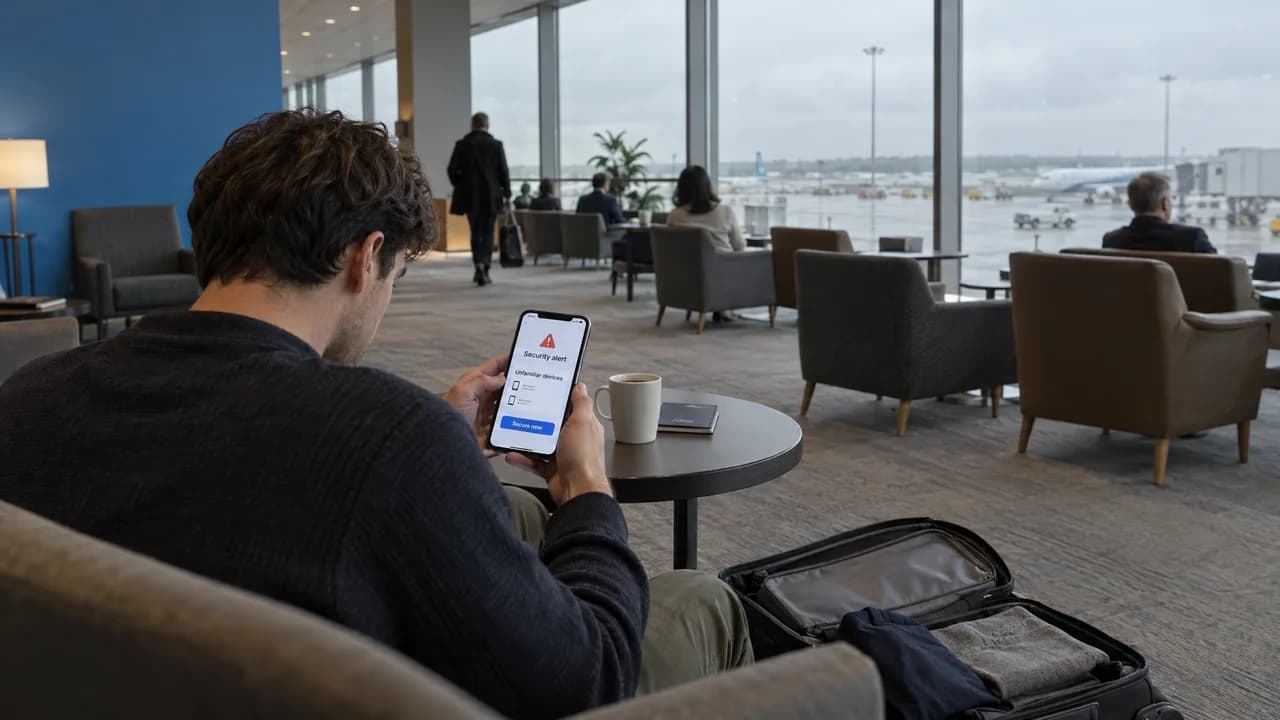
Your account is compromised if you find sent mail you never wrote, forwarding rules you never set, reset emails for other services, or a password that no longer works. The fix is to lock the attacker out, then trace everything the mailbox exposed. The lockout is the easy half. A mailbox is an index of your contacts, vendors, family and every account that resets through it. By the time you notice, the part that matters has already been copied, and pulling that copy back out of circulation is specialist work.
What a Compromised Mailbox Hands an Attacker
A compromised email account is one where someone other than you holds working access, through a stolen password, a hijacked session or a rule that copies your mail elsewhere. The harm is measured by what that access reaches. That separates it from a breach notice, which only says your address appeared in someone else's leaked data. It also separates it from spoofing, where a stranger forges your address without ever touching your account. Speed is the reason the distinction matters: Verizon's 2024 DBIR found the median time to click a malicious link after opening a phishing email is 21 seconds, with another 28 seconds to submit credentials. The first-hour lockout sequence shuts the door, but it does nothing about what already walked out.
Signs of Real Takeover Versus Background Noise
- Mailbox rules and forwarding: an auto-forward to an outside address, or a filter that archives or deletes mail from your bank, your IT team or a named vendor. Attackers set this first because it survives a password change.
- Active sessions and devices: sign-ins from hardware or locations you do not recognize, especially ones still listed after you reset.
- Recovery settings: a backup address or phone number you never added. That is the attacker reserving a way back in.
- Sent folder and replies: outgoing messages you did not write, or contacts answering requests you never made.
- Reset emails for other services: someone is using the inbox as a master key to your bank, cloud storage or domain registrar.
- A breach notice on its own: exposure, not takeover. The question is whether the leaked password is still in use anywhere.
The second check sits outside the mailbox. If you want to know whether your personal information has been compromised online, look in broker listings and credential dumps for the address paired with your home address, family names and old passwords. That pairing is what turns a stolen login into a targeted attack. Our dark web monitoring sweeps for breaches of a client's emails and credentials and alerts the client before an attacker uses them.
Close the Access, Then Trace the Exposure
- Change the password from a clean device and sign out every active session. If the attacker already changed your password, go straight to the provider's account recovery flow rather than cycling through old guesses that lock the account further.
- Delete forwarding rules, filters, app passwords, connected third-party apps and any recovery address or phone you did not add. Persistence lives in settings, not in the password.
- Turn on multi-factor authentication with an authenticator app or hardware key, since a code sent by text can be redirected.
- Reset every account that sends its reset links to this mailbox, starting with banking, cloud storage, payroll and your domain registrar.
- Search your own mail the way the attacker did, for words like invoice, wire, passport, contract and password, and write down what was sitting there.
- Warn the vendors and contacts in that history through a channel the attacker cannot touch, such as a phone number you already hold. Your hijacked thread is exactly how you become someone else's compromised vendor.
- Pull the exposed personal details out of public circulation, through broker opt-outs and removal requests to Google, so the copied data cannot be enriched into the next attack.
Handle It Yourself or Bring In a Specialist
You can run this alone under four conditions: the account is personal, you caught it within hours, the forwarding and session checks came back clean, and the inbox holds nothing about deals, staff or family. In that case our recovery walkthrough for a hacked email plus the steps above will close it, and the remaining risk is mostly reused passwords.
Bring in a specialist the moment any of those conditions fails. The attacker may have held access for days. The mailbox may carry board, vendor or wire traffic. Your name may be worth impersonating. In any of those cases, steps 5 through 7 stop being a checklist and become an investigation: reading years of mail as an adversary would, mapping who in your circle is now exposed, and removing the personal data that makes the stolen material useful. Your compromised inbox is an entry point for every counterparty in it.
A specialist engagement costs money, and it means giving an outside team context about your life and business. We think that is the right price, because the alternative is an executive spending evenings on opt-out forms while the copied data keeps circulating. Overwatch assigns each client a dedicated Digital Guard, backed by the full team, who amplifies and protects the client's reputation every month. Ask us about scope and cost directly, because we tailor every engagement to each client and what they need.
Where Cleanups Go Wrong
Changing the password and calling it done leaves the attacker's forwarding rule running. You stop seeing alerts, they keep receiving copies of every message, and the compromise looks closed when it is not. Check rules, connected apps and recovery settings before you treat any reset as containment.
Buying a malware scan for the laptop misreads how these incidents start. A clean device tells you nothing about a password typed into a convincing login page, so put the effort into MFA and into the people who will be targeted next.
Silence is its own failure. Executives often prefer to handle a takeover privately, which leaves contacts trusting messages from an address the attacker controlled for days. A short warning through a verified channel costs a little pride and spares a vendor a fraudulent invoice.
Then there is the cleanup that stops at the inbox. The mailbox was the collection point, but the attacker's real advantage sits elsewhere: in your home address, your children's names and your past passwords as they appear on broker sites, and in what counts as protected personal information under the rules that govern removal. Our data broker removal covers the client's family members' data as well as the client's own.
If your mailbox matches any of the specialist triggers above, email greyman@a52.io or call 571-210-2227 for a direct briefing.
Frequently Asked Questions
Can I find out exactly what the attacker read?
Sometimes, and only partly. Business accounts usually keep audit logs an administrator can export, showing sign-ins and some mailbox actions. Consumer accounts tend to show recent activity and little else. Export or screenshot whatever exists before you delete rules or messages, because cleanup can destroy the record. Then plan as though everything the account could reach was copied, since a missing log entry rarely proves nothing was taken. The investigation is about deciding which exposed items need action first, not proving a negative.
Should I delete the email account after it was compromised?
Usually not right away. Deleting it breaks recovery for every service that resets through it, destroys evidence you may need, and does nothing about copies the attacker already holds. Secure it, then move important accounts to a fresh address one at a time, updating recovery settings as you go. Keep the old account locked down and monitored until nothing important points to it. Retiring an address is a migration project, and rushing it creates a fresh gap an attacker can exploit.
Why are my contacts still getting phishing emails after I secured the account?
Because the attacker kept what they took. Securing the account stops new access, but an exported address book and old threads let them write convincing messages from lookalike addresses. They can also forge your address outright, which is spoofing and needs no login. Ask contacts to check the actual sending address and to confirm any payment or credential request by phone. If your domain is involved, your IT team can tighten email authentication settings so forged mail is easier for receiving servers to reject.
Get new articles by email
New articles from Area 52, sent to your inbox.
By subscribing you agree to receive emails from Area 52 about new articles. You can unsubscribe at any time.