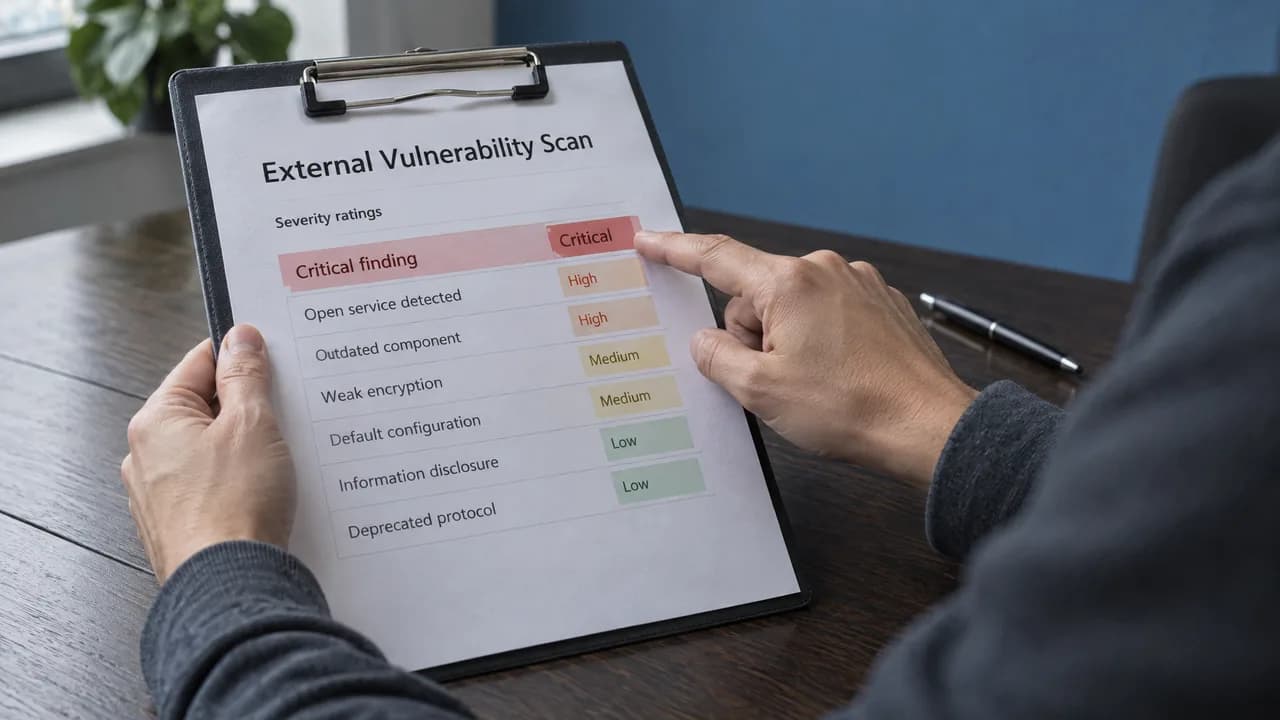
Which Types of Vulnerability Scans Does Your Organization Need?
Choose the scan mix that matches your exposure, set a cadence that beats the exploitation window, and close the gap that technical scans leave around your leadership.
By the Area 52 team
7 min read
The main types of vulnerability scans are external and internal network scans, credentialed and non-credentialed scans, agent-based host scans, and web application scans, and each is defined by where it stands when it looks. A scan reports only what is visible from its vantage point. The vantage point programs skip most often sits outside the network entirely: the attacker's view of the people who run the organization.
Six Scans, Sorted by Where They Stand
A vulnerability scan is an automated check of your systems against known weaknesses, and its type is set by position and access: external vulnerability scans probe internet-facing assets the way an outsider would, internal scans run from inside the perimeter, credentialed scans log in to read installed software and patch levels, non-credentialed scans see only what a service shows an unauthenticated visitor, agent-based scans run on the host itself, and web application scans test the pages, forms and inputs of a live site. Scanning differs from penetration testing, where a person tries to exploit what was found, and from monitoring, which watches for change over time. It serves the people who must decide what to fix first. The 2018 CompTIA PenTest+ Study Guide gives the subject its own chapter, Analyzing Vulnerability Scans, and that emphasis on reading output over running tools is the right one.
What a Scanner Does Between Discovery and Report
Every scan runs the same loop. It finds live hosts and open services, fingerprints what is running, compares versions and configurations against a catalog of known flaws, and writes a finding for each match. The scan type changes only what the scanner is permitted to see during that loop.
That permission is why the credentialed split matters more than any product name. CISA's 2018 guidance, Securing High Value Assets, advises that credential-based scans be augmented with non-credential scans: the credentialed pass confirms patch application and software versions, while the non-credentialed pass verifies results from an attacker's viewpoint and can run multiple times per day. Run only the first and you know what is installed, not what is reachable. Run only the second and you see the door without knowing whether the lock was ever patched.
Then there is the clock. A study that sampled 50,000 organizations showed that at roughly 40 to 60 days after a vulnerability's release, the probability it would be exploited is around 90%, as cited in CISA's Securing High Value Assets.[1] A quarterly scan that lands on day 75 is filing a report on a fight already lost.
So the finding is only half the work. Our look at scanning tools judged by what they do with a finding covers the hours after the report, which is where that window is won or lost.
Running Scans as a Program, in Order
- Build the asset list before the first scan, including cloud services, contractor laptops and the domains someone registered without telling IT.
- Run external non-credentialed scans against everything internet-facing, as often as that surface changes.
- Run credentialed internal scans from a dedicated, tightly controlled service account, so findings reflect real patch state instead of banner guesses.
- Scan web applications on their own schedule, because a fully patched server can still host a vulnerable login form.
- Rank findings by exposure and exploitability rather than raw severity score, then give each one an owner and a deadline.
- Fix, then rescan to prove the fix. PCI DSS v4.0.1 Requirement 11.3.1 requires internal vulnerability scans at least once every three months, with high-risk and critical vulnerabilities resolved and verified by rescans.[2]
- Add the outside view: sweep for leaked credentials and exposed personal records belonging to the people who hold admin rights, the gap covered in our review of dark web monitoring tools.
- Repeat on a cadence set by the exploitation window, not the audit calendar.
Old Habits That Leave Gaps in Modern Scanning
Scanning once a year for the auditor treats the network as a fixed object. It changes weekly: a new SaaS account, a newly exposed port, a developer's test server left running over a long weekend. A flaw that appears in March and gets scanned in December has outlived any reasonable exploitation window. Keep external scanning continuous and put internal credentialed scans on a fixed, frequent cycle.
Buying from a list of the top 10 vulnerability scanning tools solves a procurement question and leaves the security question open. Those rankings measure detection. The outcome depends on who triages the output, who owns the fix, and who checks that the fix held, and no ranking scores that work. Budget for the people and the process before you argue about the engine.
Scanners report on the hosts they can reach, so a device that never answers never appears in the report. Port-based network access controls, such as IEEE 802.1X certificate-based authentication, provide assurance that only authorized systems can connect to and communicate on a defined network or segment, per CISA's Securing High Value Assets.[1] Pair the two, and the list of what gets scanned finally matches the list of what can connect.
A clean technical report says nothing about the CFO's home address on a people-search site or her reused password sitting in a breach dump. Attackers combine both: the breach supplies the credential, the broker supplies the pretext for the phishing call. A one-time check of the dark web carries the same flaw as a one-time scan, as our breakdown of a free dark web scanner shows. It photographs a target that moves every night.
Choosing the Mix for Your Exposure
If you have no compliance mandate, we would start you on continuous external non-credentialed scanning and monthly credentialed internal scans, then add web application scans for anything that takes a login. The trade-off is real: credentialed scanning needs a privileged service account, and that account becomes a target in its own right. Restrict where it can log in, rotate its secret, and watch its use. Skipping credentials to avoid that burden leaves you guessing at patch state, which is a worse bargain.
If you handle card data, Requirement 11.3.1 sets your floor, and your exploitation risk should set your actual pace. The older pattern, a periodic unauthenticated external scan and nothing more, still has a place: a small static brochure site with no logins and no back office gains little from a heavier program.
If your leadership is visible, wealthy, or operating in a contested market, technical scans cover roughly half of what an adversary studies. The rest is the information they use to choose a target and build a pretext, which is why we treat scanning as one front alongside the categories of information warfare. For you, the outcome of a pure technical program is a patched network run by executives who can still be impersonated, phished or doxxed.
Where Overwatch and Our Other Services Fit
Vulnerability scans are part of Overwatch, our managed package, and every Overwatch engagement is tailored to the client. We combine reputation management with cybersecurity, because the attacker reading your scan results and the attacker reading your family's addresses are often the same person. Overwatch also runs data broker removal, which targets the address, phone and family records anyone can buy. Dark web monitoring sweeps for breaches of your emails and credentials and alerts you before an attacker uses them.
Overwatch comes with a dedicated Digital Guard who amplifies and protects your reputation every month. Penetration testing, OSINT and private investigations sit outside Overwatch as separate services, for when you need a person to exploit a finding or trace who is behind one. Real-time threat response belongs to our 24/7 SOC. If you are still weighing products, our comparison of scanning tools shows why the response behind a scanner decides its value.
Every week a finding sits unranked is a week off the exploitation clock. We find the exposure first and take it off the board. Email greyman@a52.io or call 571-210-2227 to scope an engagement for your organization.
Frequently Asked Questions
How often should we run each type of scan?
Tie cadence to change, not to the calendar. Internet-facing assets change without warning, so external non-credentialed scans should run continuously or close to it, since they are light enough to repeat several times a day. Credentialed internal scans are heavier and touch production systems, so they usually run on a fixed cycle plus after every significant patch or deployment. Web application scans belong in the release process: scan before a new build goes live, not weeks after. Whatever your compliance floor, schedule so that a new critical finding is ranked and assigned within days of appearing.
Is a vulnerability scan the same as a penetration test?
No. A scan is automated and compares what it sees against known weaknesses, producing a list of likely problems. A penetration test puts a skilled person in the attacker's seat to chain findings together, confirm which ones can be exploited, and show how far an intruder could get. Scans give breadth and frequency at low effort per run. Tests give depth and proof, at higher effort, so they run less often. A mature program uses scans to keep the surface clean between tests and uses tests to check whether the scanning program is missing anything.
Can a vulnerability scan find leaked executive passwords?
It cannot. A scanner inspects your systems; a leaked password lives on someone else's server, in a breach dump or a criminal marketplace. The scan may confirm your login portal is patched while a valid executive credential is already for sale. Closing that gap takes a different collection method: continuous sweeps of breach data for your domains and your leaders' personal addresses, plus removal of the personal records attackers use to build convincing pretexts. Treat it as a separate stream feeding the same priority list as your scan findings.
Sources
- CISA, Securing High Value Assets v1.1
Non- credential scans should be used to augment and verify the credential-based scan results, and can be run multiple times per day on an HVA.
- origin-www.paloaltonetworks.in
11.3 External and internal vulnerabilities are regularly identified, prioritized, and addressed. Req # PCI DSS v4.0.1 Requirement N/A Palo Alto Networks Customer Joint Comments 11.3.1 Internal vulnerability scans are performed as follows: • At least once every three months.
Sources checked on November 23, 2026.
Get new articles by email
New articles from Area 52, sent to your inbox.
By subscribing you agree to receive emails from Area 52 about new articles. You can unsubscribe at any time.